For the first time in Gmail’s 20-year history, users can switch their @gmail.com address without losing emails, files, subscriptions, or access to Google services.
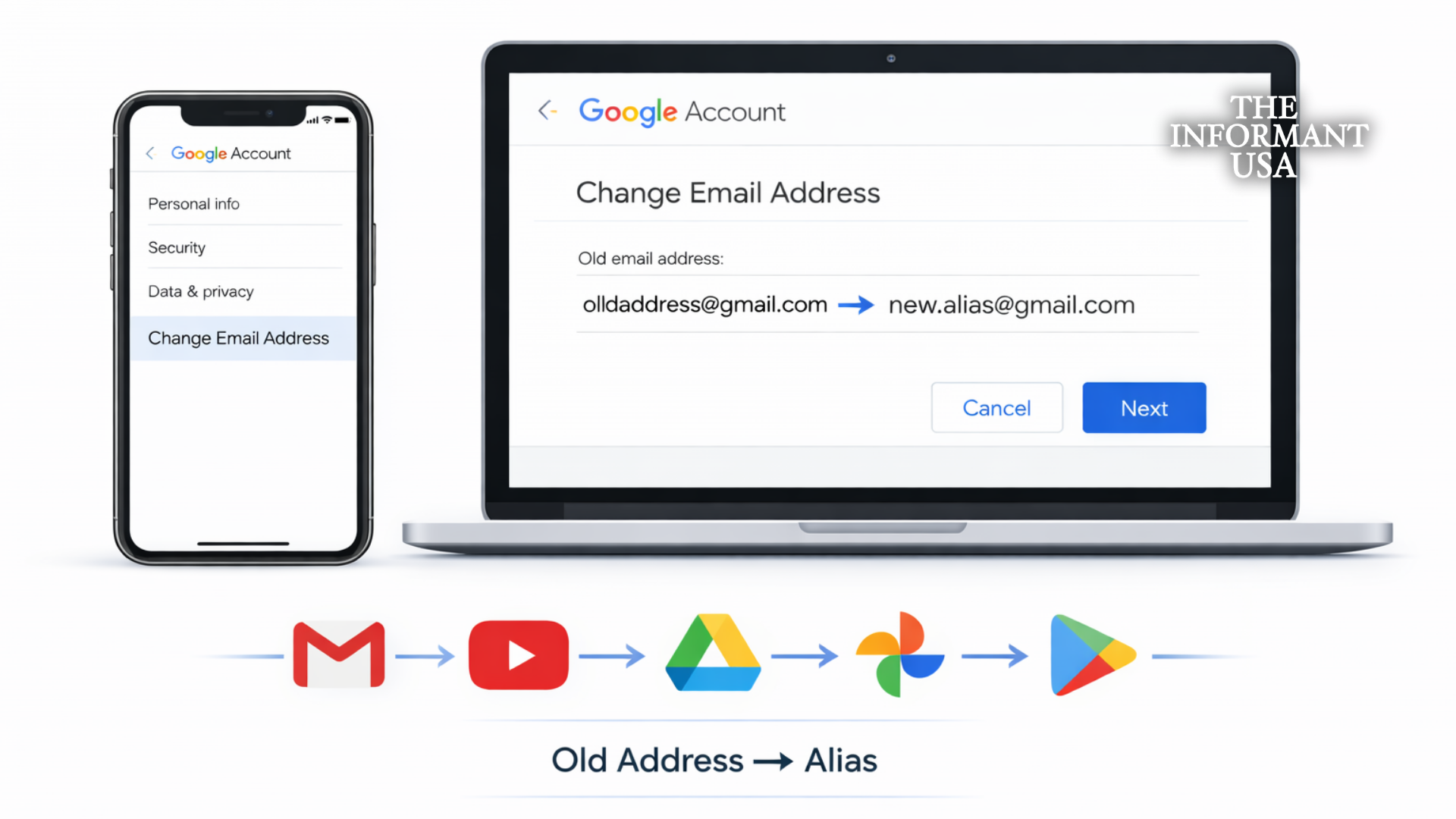
Google has begun rolling out a long-requested feature that allows users to change their primary @gmail.com email address while keeping their entire account intact — including emails, history, subscriptions, and access to services like YouTube, Drive, Photos, and Google Play.
Until now, Gmail addresses were permanent, forcing users who wanted a new email name — often due to embarrassing old usernames or life changes — to create an entirely new Google account.
The new option marks one of the most significant updates in Gmail’s history, addressing a complaint users have raised for more than two decades.
HOW THE NEW GMAIL CHANGE WORKS
According to Google documentation and reports from CNBC, 9to5Google, and BleepingComputer, the feature includes several key protections:
- Old address becomes an alias: Emails sent to the previous Gmail address will still arrive.
- No data loss: Emails, files, purchases, subscriptions, and app access remain unchanged.
- Same login: Users can sign in with either the old or new address.
LIMITATIONS & RULES
The feature comes with restrictions:
- Only available for personal @gmail.com accounts
- Not available for work, school, or custom-domain accounts
- Maximum of 3 changes per account (4 total addresses)
- 12-month waiting period between changes
Google says these limits are designed to prevent abuse and preserve account security.
ROLLOUT: COMING GRADUALLY
The feature is being rolled out gradually and was first spotted in official Google documentation written in Hindi, suggesting the rollout may have begun in India before expanding globally.
Users can find the option under:
Google Account Settings → Personal Info → Email
If the option is not visible yet, Google says it will appear over time as the rollout continues.